
Take the full Nagat888 experience wherever you go. cricket, football, Live Casino — all in one app. Works on both Android and iOS.
Nagat888 works great on both Android and iOS devices
Download the Nagat888 Android app directly as an APK. It's not on Google Play, but installation is simple — takes just a few minutes.
IPhone and iPad users can open the Nagat888 site in Safari and add it to their home screen for a full app-like experience — no App Store needed.
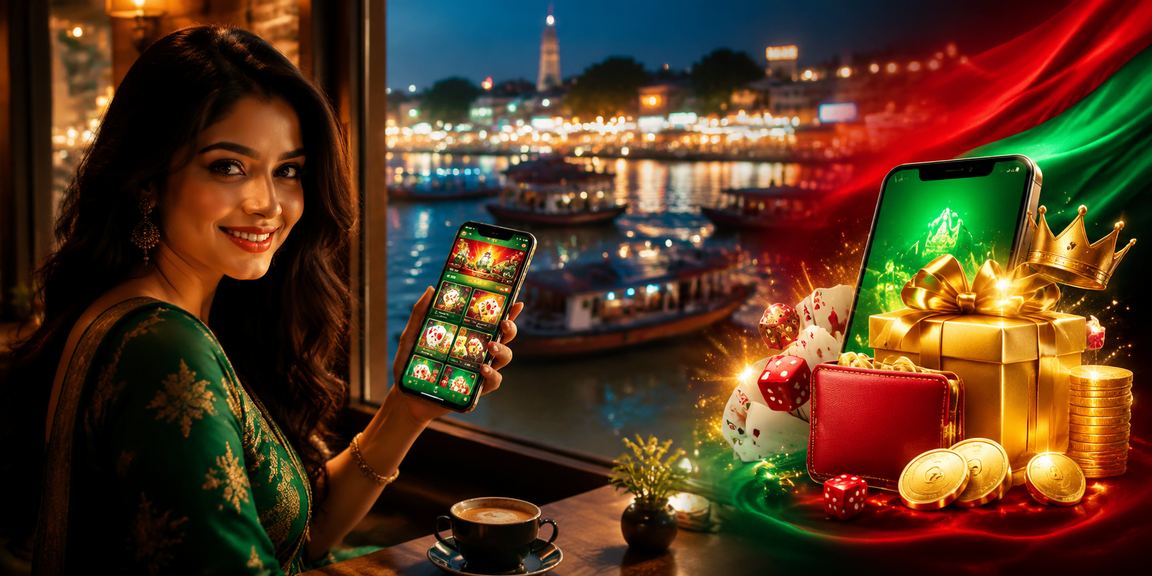
Easier than desktop, faster too — the full betting experience on mobile
Odds update in real time as the game unfolds. You can change your bets mid-match, with live scores and animations keeping the full excitement right on your mobile.
Mobile Pay, Nagad, Rocket — all your mobile banking, right inside the app. Deposits and withdrawals done in seconds, with zero hassle.
Match kick-offs, goals, successful withdrawals, bonus offers — all the important updates delivered straight to your phone. Never miss a thing.
Play live roulette, blackjack, and baccarat with real dealers. HD video streaming brings the full casino experience straight to your home.
View your full betting history, win/loss breakdown, and stats all in one place. Understand your performance and make smarter decisions.
Log in with your fingerprint or Face ID — no need to type a password. Fast and secure, all at once.
Not being on the Google Play Store doesn't make it hard to install. Just follow the steps below and you'll be up and running in about 3 minutes.
Go to Settings → Security or Privacy. Find the "Unknown Sources" or "Install Unknown Apps" option and enable it. This is only required for installing the Nagat888 APK.
Only needs to be done onceOn the Nagat888 official website, tap the "Download Android APK" button on this page. The file will be saved to your phone's Downloads folder.
File Size: 32 MBTap the nagat888.apk file from your File Manager or notification bar. Then tap the "Install" button.
Install Time: 1 MinuteOnce installation is complete, you'll see the Nagat888 icon on your home screen. Tap it, then log in to your existing account or register a new one.
All Done — Start Playing!Not available on the App Store due to Apple's guidelines, but it can be installed through Safari in a slightly different way — the experience is nearly identical.
Type nagat888.com into Safari on your iPhone. Note that this method won't work on Chrome or Firefox — Safari is required.
Safari onlyTap the icon at the bottom center of the screen — the box with an upward arrow. This will open the share menu.
Scroll through the share menu, find "Add to Home Screen" and tap it. You can rename it or just tap "Add" to continue.
Icon will be added to your home screenYou'll now see the Nagat888 icon on your home screen. Tap it and it opens in fullscreen just like a native app — no browser bar in the way.
Just Like the App!
Why Use the App — A Quick Comparison
| Features | Nagat888 App | Mobile Browser |
|---|---|---|
| Loading Speed | Super Fast | Relatively Slower |
| Push Notifications | Fully Supported | Limited |
| Biometric Login | Fingerprint / Face ID | No |
| Live Streaming | HD Quality | Less reliable |
| Offline Scores | Cached data visible | No |
| Battery Usage | Optimized | Higher cost |
| Ease of Use | Mobile-Optimized | Sometimes Inconvenient |
| How to Update | Notification Updates | Automatic |
Mobile betting has come a long way. There was a time when you had to open a browser, pinch and zoom just to place a bet — the Nagat888 dedicated app puts all that behind you. It's built with the small things in mind: one-handed use, quick access to your bet slip, and your balance always visible at a glance.
The Nagat888 app is optimized with Bangladesh's network conditions in mind. Live betting runs smoothly even on a 3G connection. To help cut down on data usage, the app includes a "Data Saver" mode that reduces images and animations, showing only the essential information.
A common concern is whether the app is safe if it's not on Google Play. That's a fair question. The reality is that online gaming platforms can't be listed on the Play Store due to its policies — this isn't unique to Nagat888, it applies to virtually all major betting platforms. The Nagat888 APK is served directly from their official servers, not any third-party site. The file is downloaded over an SSL-secured connection, and every release includes a digital signature.
The Nagat888 app interface is fully in Bengali — menus, buttons, notification messages, everything. For users who aren't comfortable with English, this makes a real difference. Live chat support inside the app is also available in Bengali, so you can get help without any language barrier.
For payments, the app directly supports Mobile Pay, Nagad, and Rocket. There's a built-in shortcut to open your payment app without switching — no need to leave the app. After a deposit, your balance typically updates within 2 to 5 minutes, and withdrawals are processed within 15 minutes to one hour.
Beyond cricket and football, the app also lets you bet on tennis, kabaddi, badminton, and e-sports. During major tournaments like the IPL, BPL, and World Cup, the app features exclusive odds boosts not available on the browser — and only app users receive notifications for these offers.
The Nagat888 app really shines in the Live Casino section. Games like live roulette, baccarat, Andar Bahar, and Teen Patti feel great on mobile. Auto screen rotation works seamlessly, and landscape mode gives you a bigger, more immersive view.
Keeping the app updated is just as simple. When a new version is available, you'll see a banner the next time you open the app. Tap it to download the new APK, which installs right over the existing one — no data or account details are lost. iOS users don't need to do anything extra, since the PWA always loads the latest version automatically.
Only download the Nagat888 app from the official site. Downloading the APK from third-party sites or Telegram groups may put your account at risk. If in doubt, reach out to our support team.
"The app is super fast. I deposit with Mobile Pay and my balance shows up in 3 minutes. Live cricket betting is a blast."
"Added it to my iPhone home screen and it feels just like a real app. Everything's clear in Bangla."
"Fingerprint login is so convenient. And the Live Casino looks really great on mobile."
The Nagat888 support team is ready to help you in Bangla. Reach us via live chat.

Your most common questions about downloading and using the app
Join millions of players across Bangladesh. Enjoy a smooth, fast, and secure betting experience on mobile.
Responsible gaming is our priority. 18+ only.